Counts tool
This page last updated: Monday February 09, 2026.
The Counts tool allows you to configure and monitor real-time statistics for the number of people and vehicles detected by your cameras. It uses Alta Video's AI-powered analytics to track objects currently within a view or objects that move across a defined boundary, providing valuable insights into footfall and traffic flow.
The Alta Video object counting features are not guaranteed to be accurate, providing an indicative measure only. Do not rely on object counts for safety-critical applications.
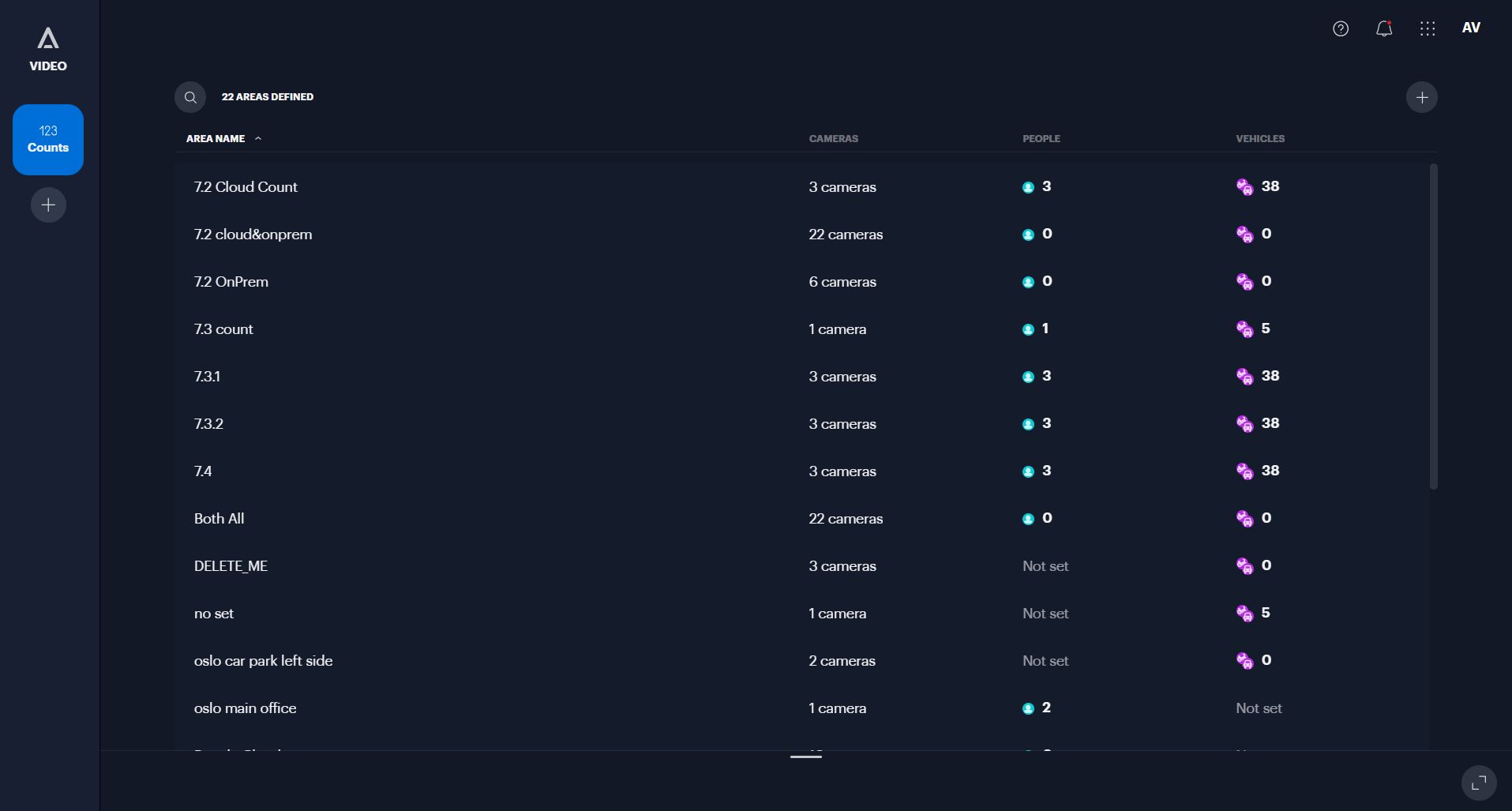
The Alta Video Counts tool
Key Features
- Objects in view: Show a live total of people or vehicles currently visible within a camera's field of view or a specific area of interest.
- Line crossing: Count the number of people or vehicles that cross a specific line drawn on the camera view. You can configure this to count traffic moving in, out, or in both directions.
- Object classification: Filter counts to track specific objects, such as people only, vehicles only, or specific vehicle types.
- Exclude stationary Objects: Improve accuracy by configuring the count to ignore non-moving items, such as parked cars.
- Live monitoring: View count data directly within the Counts tool, or enable "Object count" layers in Video view and Maps to see real-time statistics overlaid on your camera feeds and floor plans.
- Rules & alerts: Create rules to trigger notifications when a count exceeds or drops below a certain threshold or when a specific number of line-crossing events occur.
- Historical data export: Download historical count information as a CSV file to analyze trends, such as peak traffic times or total daily footfall.
